There are various ways to undo in the vision software:
1. Click the “Undo” icon:
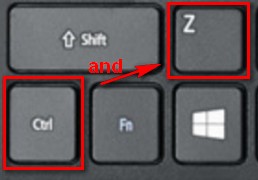
2. Use the window’s shortcut Control+Z
3. Go to Edit>Undo from the dropdown menu